Quantum Computing Unveiled: A Journey through the Marvels of Modern Technology
1. Introduction: Quantum Computing – The Next Frontier Welcome, dear readers, to a thrilling adventure…


From beginner to advanced in 120 hours
Free introductory lesson
Java is a universal programming language used by companies of all sizes and levels to create enterprise software systems. There are many uses for Java, from e-commerce sites to Android applications, from scientific to financial applications such as trading systems, games, etc. Programs written in Java work on all platforms.
Java is the most common language ever created, it is not difficult to learn, so it is suitable for those who are new to learning programming. For someone who has learned the basics of Java programming well and formed the necessary practical skills, it is not difficult to find a job, as the demand for specialists is consistently very high, as well as the level of their remuneration.
Version Control Systems (VCS)
Exceptions
Diagrams
Generalizations
Data structures (collections)
Working with files
Programming Templates
Annotations
Garbage Collectors (GC)
Multithreading
Build Projects
Basic
$5 / mth
Premium
$35 / mth
Premium Pro
$70 / mth
1. Introduction: Quantum Computing – The Next Frontier Welcome, dear readers, to a thrilling adventure…

Introduction Smart contracts have revolutionized the way transactions are conducted on the blockchain. They are…
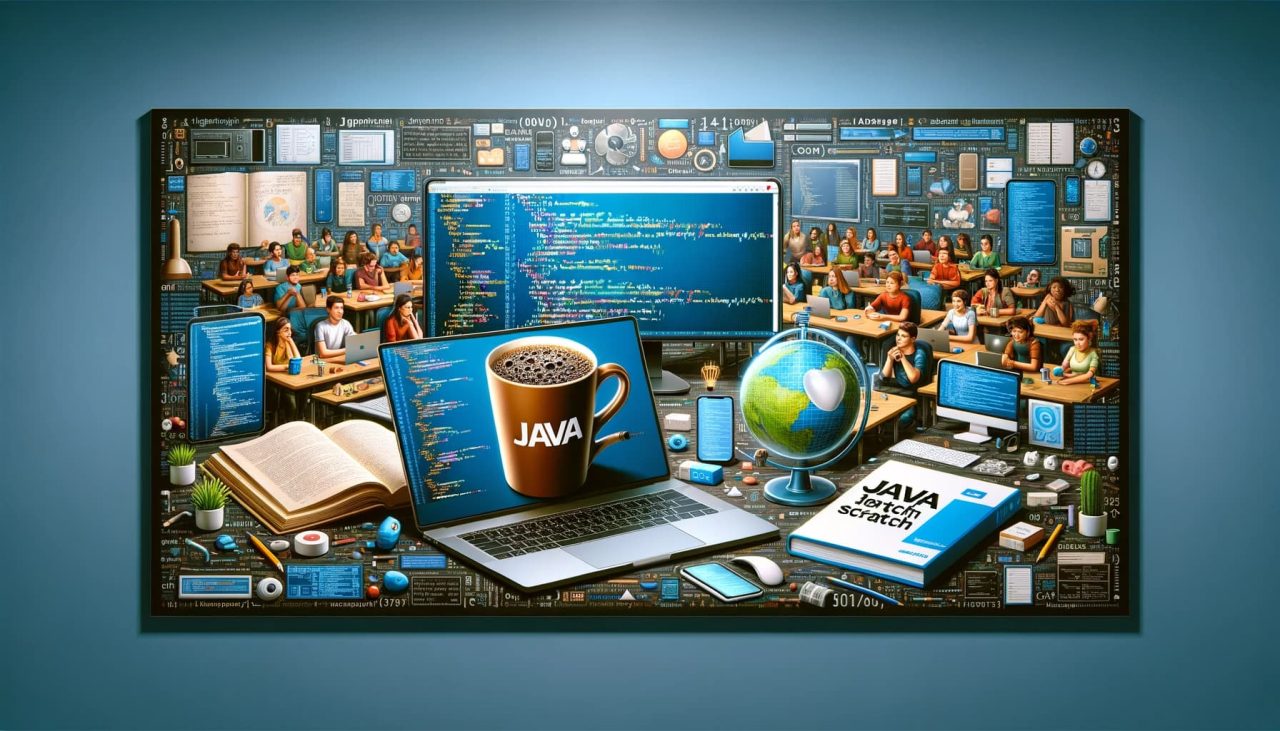
For people who are new to programming, Java is a great place to start because…

The past few years have seen a noticeable rise in creative techniques that cross industry…

The advent of online education has revolutionized the way we learn, particularly in technical fields…

Shielding Against Injection Onslaughts Injection attacks enable intruders to inject harmful code through applications into…